

Lost Perseids
The night of August 12, 2026, was one that stargazers had been waiting for all year.
The sky is going to be ablaze with meteors shooting overhead, at a rate of 50+ per hour! This was the peak of the Perseids meteor shower!
The Perseids meteor shower occurs annually due to the Earth’s orbit intersecting with the path of Comet 109P/Swift-Tuttle, a massive comet that orbits the sun once every 133 years. As it moves along its orbit it leaves tiny particles of debris - many the size of a grain of sand! - in its wake. The Earth passes through this debris field, and as the particles slam into the Earth’s atmosphere they begin to burn up from the friction, causing bright bursts of light.
The shower gets its name from the Perseus constellation, because if you trace the paths of the meteors backward, they appear to originate from a point in this constellation, a point known as a radiant.
On this night, a wondrous event occurred: Clear skies! This year the metro Atlanta area has experienced a very wet summer, which has caused many cloudy nights and has severely limited the seeing. But tonight was promising to be great!
I started thinking about how to get images of the meteors, and remembered that my ZWO ASI662MC I use for planetary imaging and guiding came with an all-sky (fisheye) lens that I had never used. I then remembered that the back of the camera had an attachment for a tripod, and the ASI Studio software comes with a Meteor Capture feature, where it will take a video anytime it detects a meteor! As it turns out, I had everything I needed!
I prepared my camera by placing it on a tripod and installing the all-sky camera, and making sure all of the software was updated on my laptop. I started researching exactly how to capture meteors, and when it got dark, I setup the camera in the backyard.
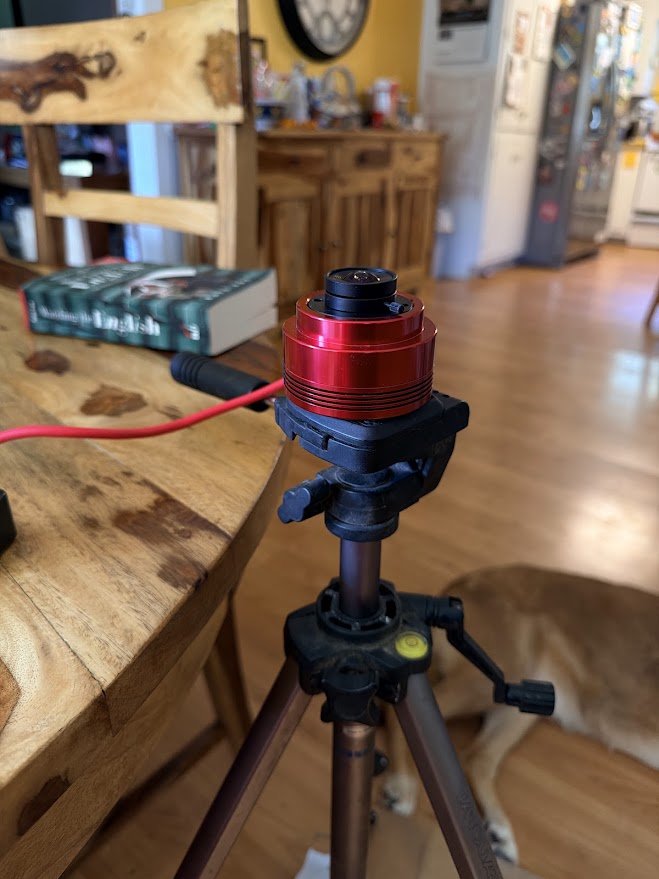
ASI662MC with All-Sky Lens
Setup on an old tripod. Let’s do this!
It took some time learning how to focus the camera (just turn the lens), and then every time a vehicle passed the camera would record! I soon discovered the masking feature, where you can set areas of the image that will not be detected. With all of the trees around, this was a lot of the sky being masked! I then setup my portable battery and plugged the computer in. I made sure that all of the power saving features were off and covered the computer with a tarp to keep dew off of it, and went to bed, with visions of streaking fireballs dancing in my dreams!
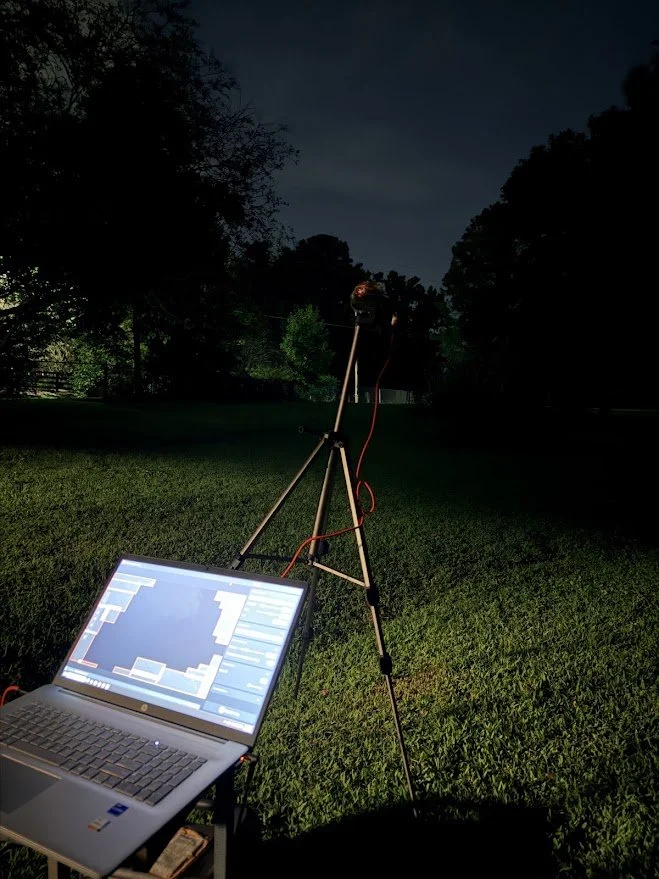
Getting Setup!
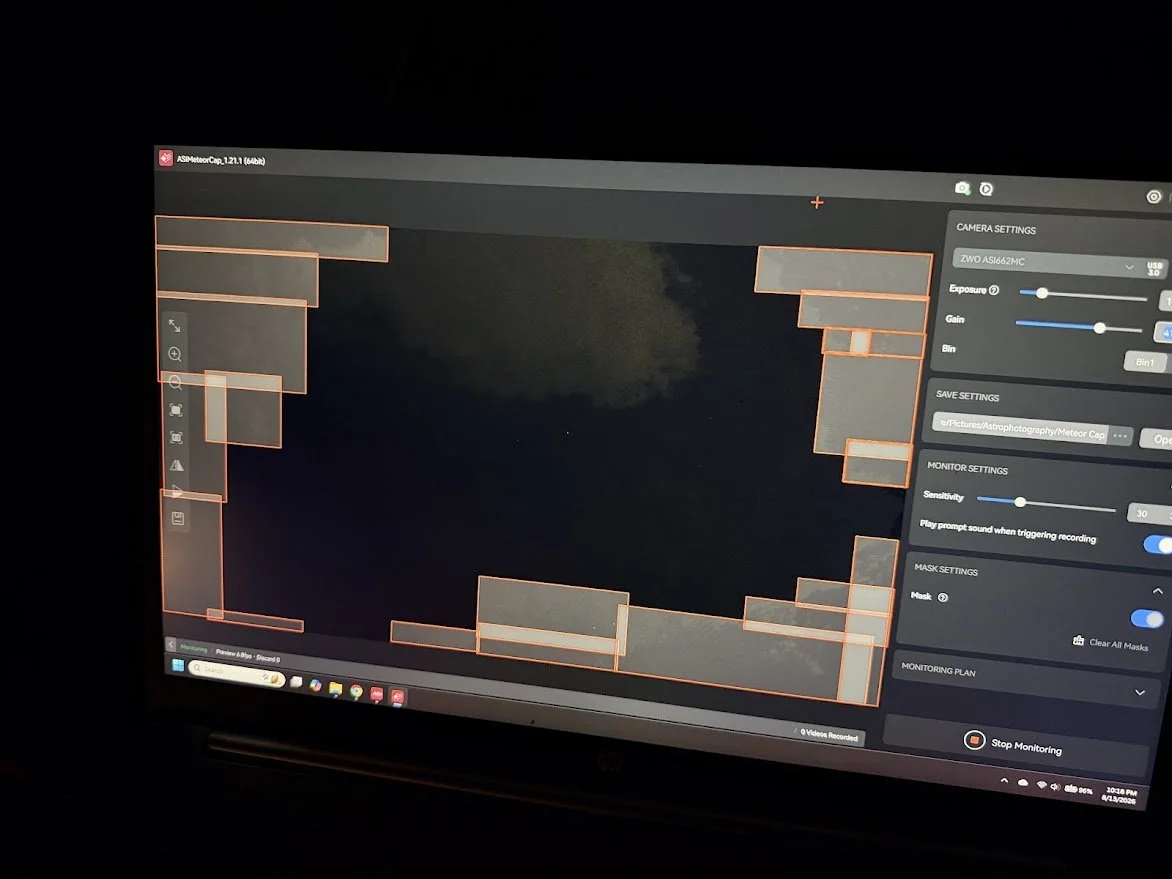
Masks set around the trees (notice the passing cloud)
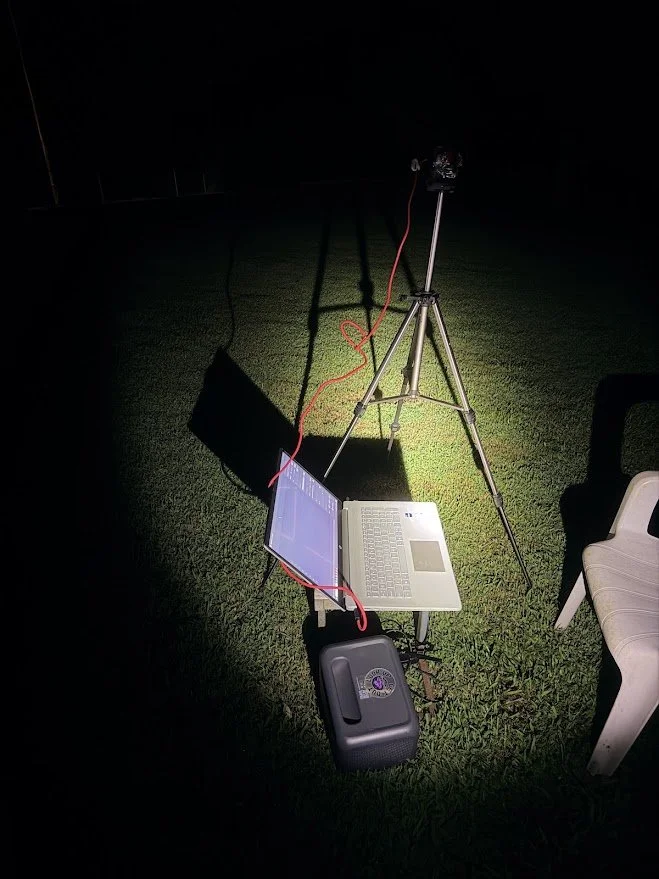
The setup before the tarp.
The next morning I got up and rushed outside, excited to open my present! I quickly yet carefully removed the tarp, and looked at the laptop.
The screen was dark.
“Hmm.” I thought. “That’s odd. Maybe I missed a setting.” I touched the mousepad and the screen blazed to life asking for my login. I logged in, and was greeted with my normal desktop. And no open programs.
Nervously I opened the folder where the videos were to be saved.
Two. Files.
My heart dropped into my stomach. All of that preparation. All of that excitement for what I could show my students. Gone.
I opened the two files. The first was a firefly that had passed the line of sight. the second was an actual meteor, but it was only on three frames of the video.
And that was it.
I looked at the timestamp of the video: 1:30am.
I soon discovered what had happened.
I had not turned off automatic updates.
Overnight Windows ran an update and restarted the computer.
So I learned a valuable lesson about double checking your setup that day. And that is what I shared with my students the next day (most seemed to sympathize with me, though I did hear some say “You know you can turn that off, right?” So helpful.).
The next night was cloudy again, and I missed out on the biggest show of the year. So now I will continue practicing with some other meteor showers, and prepare better for next year.
And I will make darn sure that my computer is updated!